Interest Rates Went Up. Now What?
A Fed rate increase doesn't require an economics degree to understand. Here's a practical framework for checking your card's APR and taking control of your debt.


Written by Sarah James ·
Start Building Credit
No credit history required. Apply in minutes.
Have you ever been online shopping and all of a sudden a pop-up message blocks your whole screen with a message like, “A virus has been detected on your computer. Please click on the link to remove the virus from your computer,” or something of that nature?
Well, you're not alone. Millions of people every day are sent phishing emails or scam alerts, making online shopping one of the most prevalent places for your financial information to be compromised.
Here are 7 tips on how you can use your credit card safely for online shopping.
In conclusion, while online shopping can be an easy and convenient way to shop these days, you want to make sure you are aware of any potential risks you put your credit cards in. Some credit card companies, like TomoCredit, have a huge emphasis on credit card safety and send fraud alerts or allow you to lock your account from your phone yourself. This option allows users to be in control of the safety of their finances. Check with your credit card companies to see if they offer options like this for you!
A Fed rate increase doesn't require an economics degree to understand. Here's a practical framework for checking your card's APR and taking control of your debt.
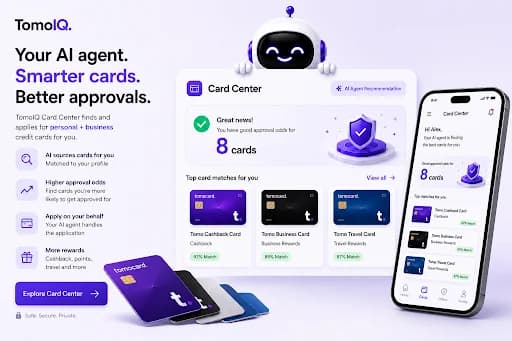
ChatGPT gave surprisingly solid advice on how to build credit — but the more I read its answer, the more I realized it was giving information, not guidance.

When you search "credit cards for bad credit," you'll find a lot of options — some helpful, some expensive traps. Here's how to spot the red flags and choose a card that actually helps.
The language used on this page is for creative purposes only. TomoCredit (or TomoBoost) does not guarantee an increase in credit score. Individual results vary based on each person's unique credit history and financial circumstances, and subscription payments are non-refundable.
Start Building Credit
No credit history required. Apply in minutes.